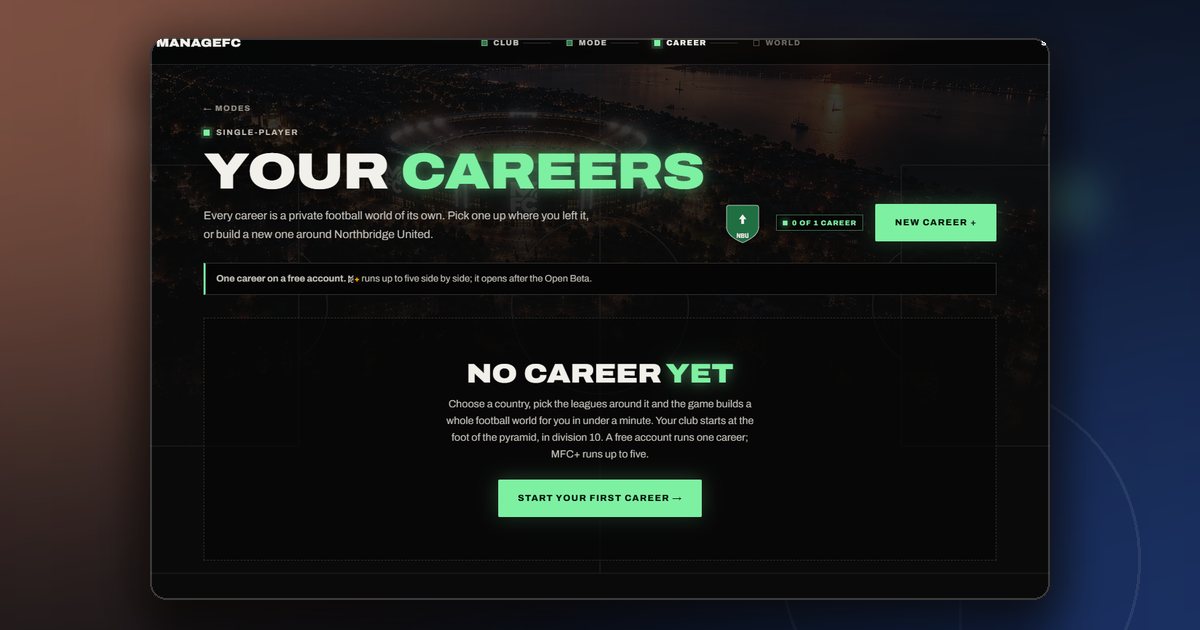
At the end of October a manager told us that their account had stopped working properly. They had created a second career, deleted it again, and from then on the Online league and Friends would not open, and the career they still had was showing small bugs on several pages.
They were right, and the cause was not in the career they were playing at all. It was in the one they had deleted.
Half a career
When you delete a career, its world is closed: the calendar stops and the career disappears from your Careers page. But the club that belonged to it was still listed as yours. Most of the game asks "which career is this manager playing?" and then looks in that career. A few places asked a shorter question — "which club belongs to this manager?" — and the answer could be the club of the deleted career.
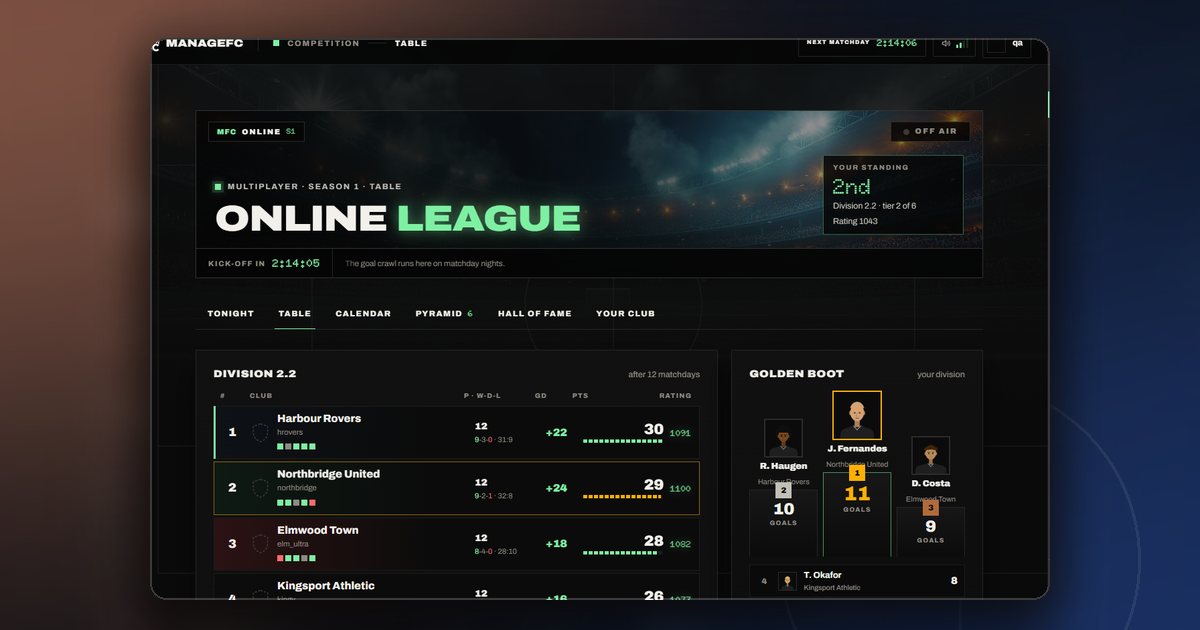
So, depending on where you were in the game, ManageFC could look at your live career on one page and at a closed world on the next. Online and Friends, which pick the career your club plays with, could pick the dead one and find nothing to play with.
What changed
- Deleting a career releases its club. The moment a career is deleted, its club stops belonging to you, so no part of the game can find it any more.
- Every page follows your live career. The places that asked the shorter question now ask the full one, and only a career that is still open counts.
- A browser that remembers the old career is moved on. If your browser was still pointed at the deleted career — in another tab, say — the game now takes you to the career you are playing instead of showing a closed world.
- One career per free account, everywhere. The second career should not have been possible on a free account in the first place. That limit is now checked every time a career is created. One career on a free account explains why.
If it happened to you
Your live career was never damaged: its squad, money and calendar were always where you left them, and the fix simply points the game back at it. If something still looks wrong after a reload, write to us at support@managefc.com — we read every message, and this fix started with one.
Comments
No comments yet — start the conversation.