How to read this tour
Seven journeys, 36 captures. Order does not matter — jump to whichever part of the game you are curious about. Every image is a genuine capture from a live save, taken at 1920×1080 with no mock-up editing, and every group page explains what you are looking at screen by screen: what the page does, what each panel shows, and which other systems it connects to. Where a screen touches a rule of the simulation — how attributes grow, how a transfer fee is agreed, how the board decides your future — the group page links straight to the Wiki article that documents it. The tour tells you where things are; the Wiki tells you how they work.
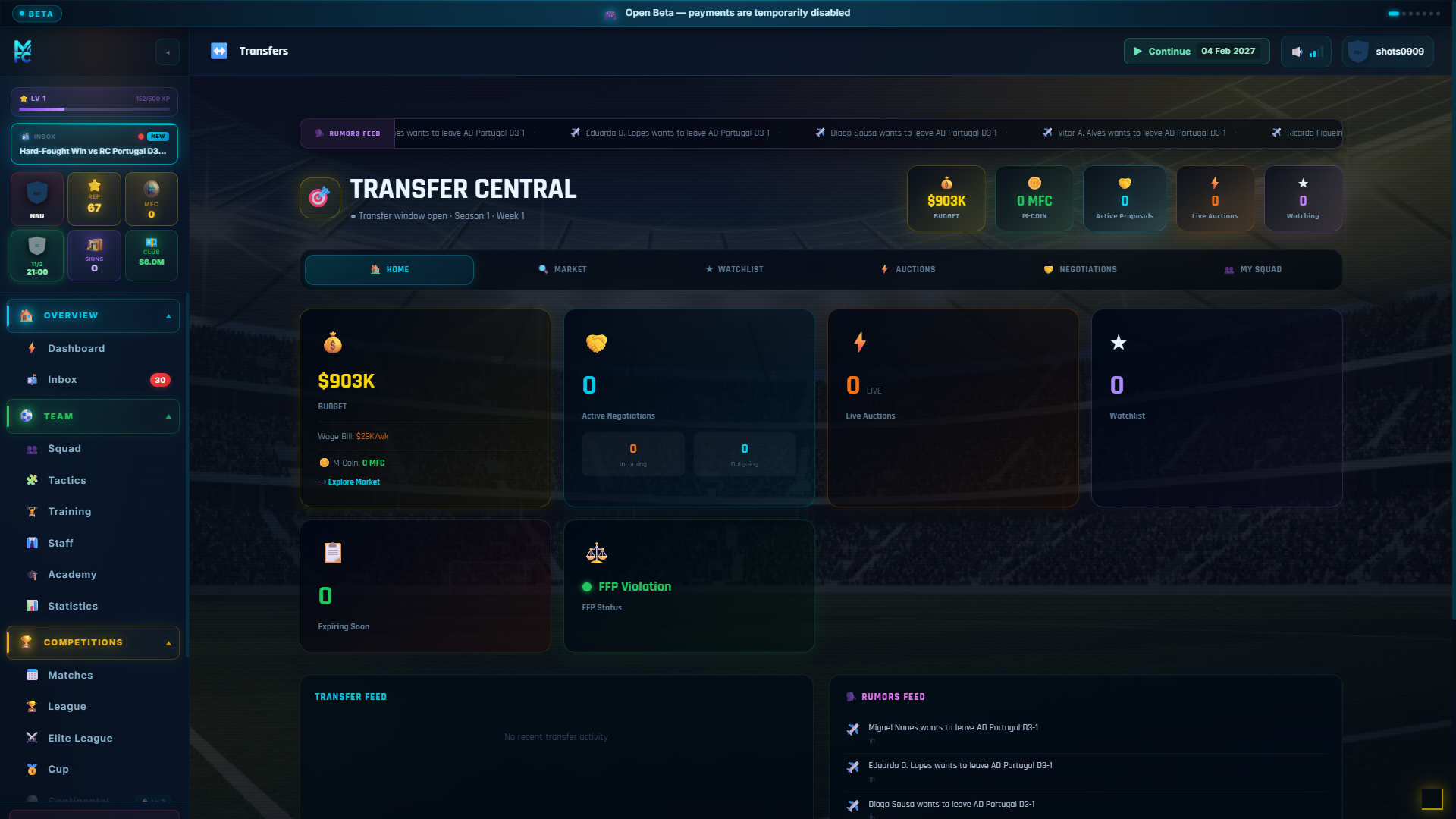
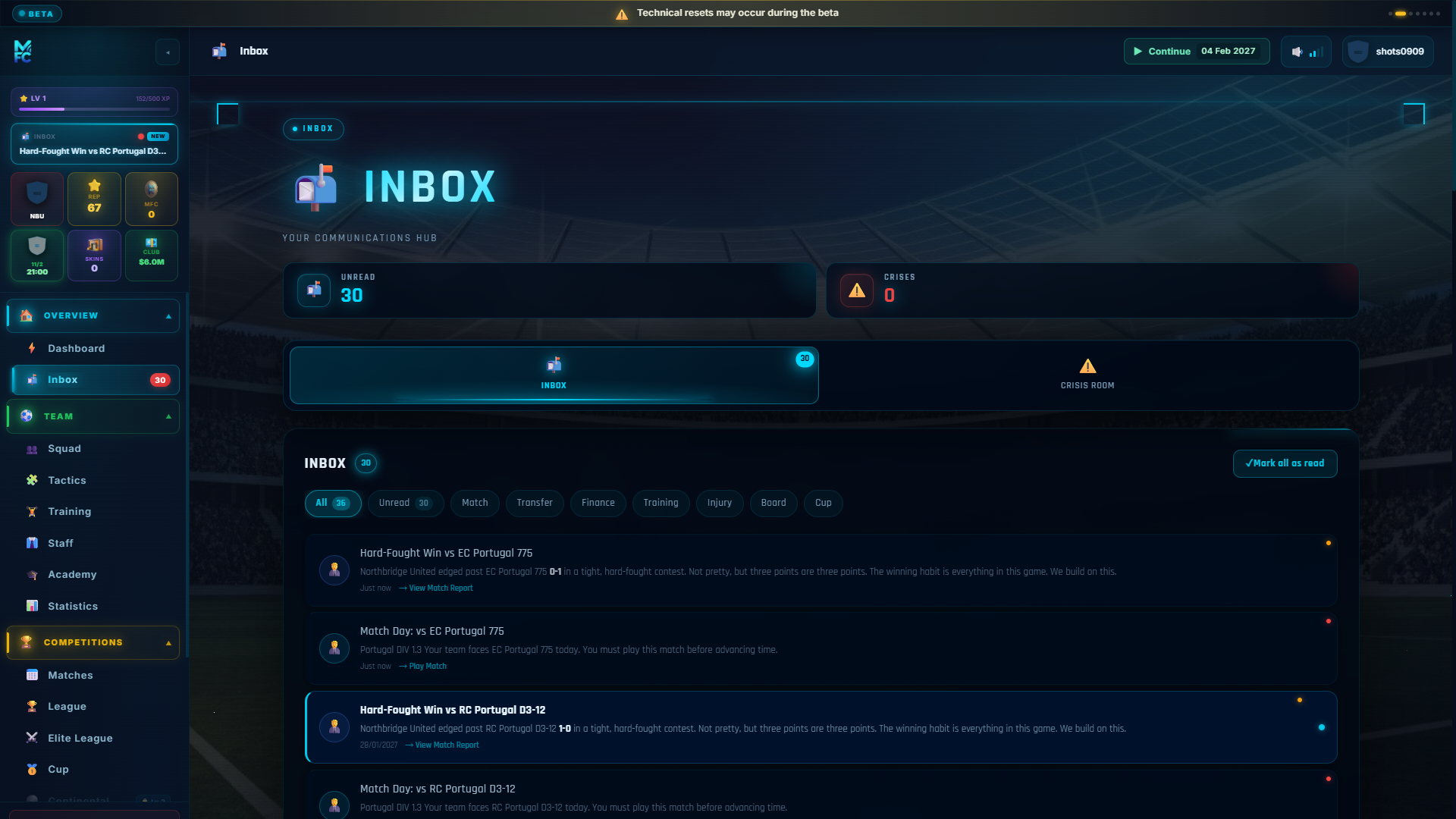
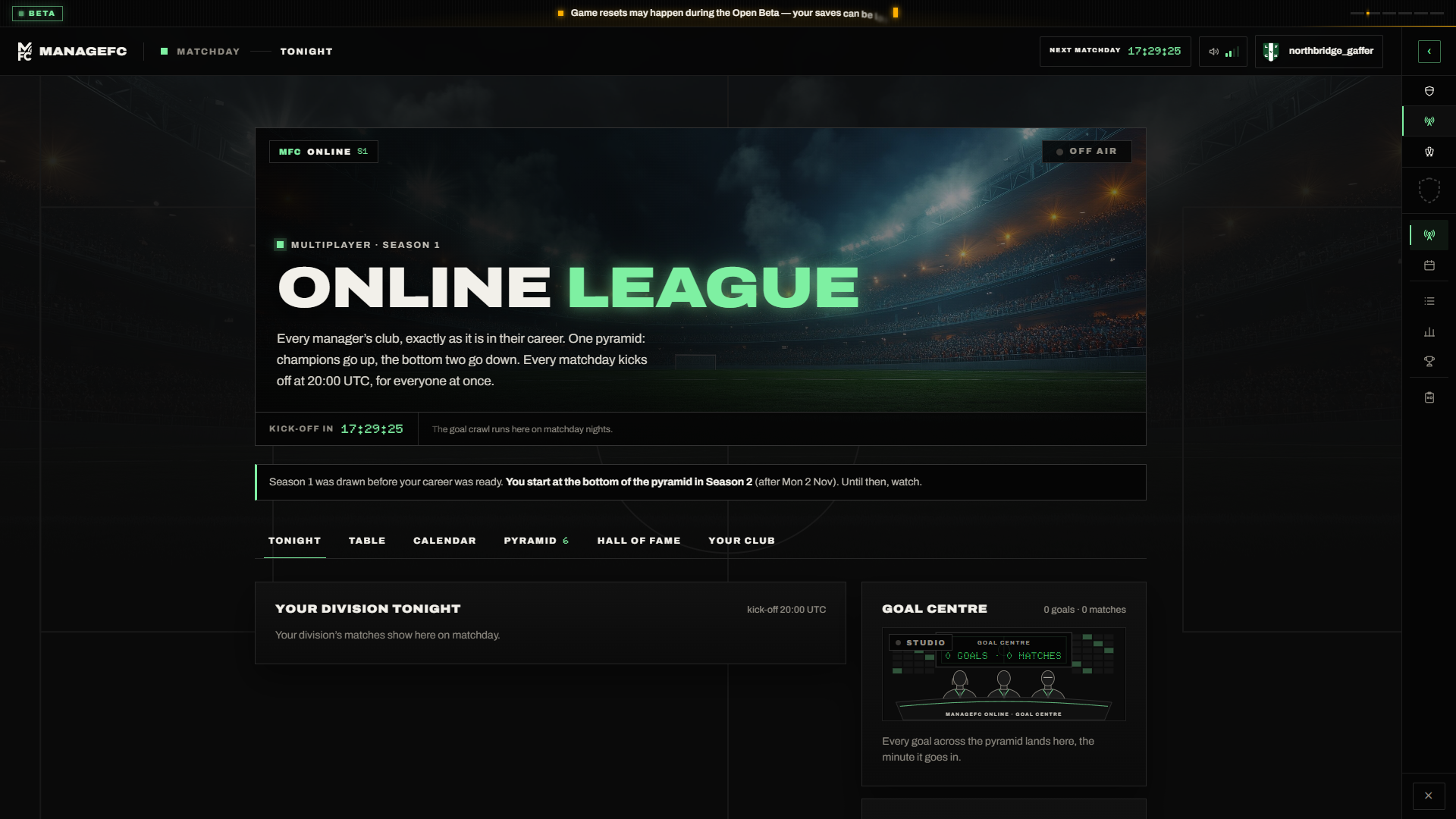
The seven journeys, one by one
🚀 Getting Started →
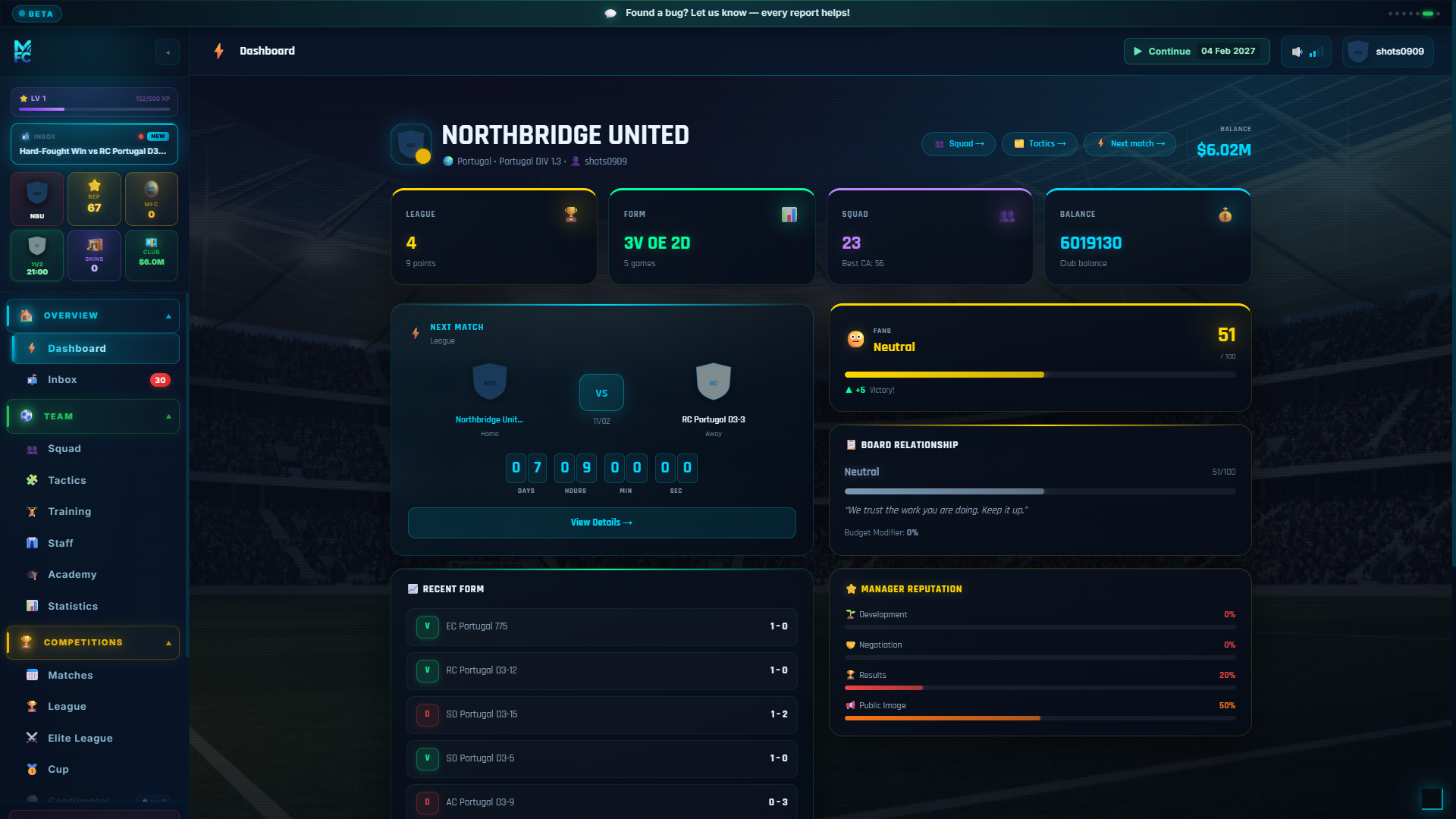
Four screens take you from a fresh account to a running football club: pick how you want to play, manage the saves you have created, build an entire world in the creation wizard, and then live on the dashboard that ties it all together. Each step writes real data into your save — no screen on this page is a demo.
👥 Team →
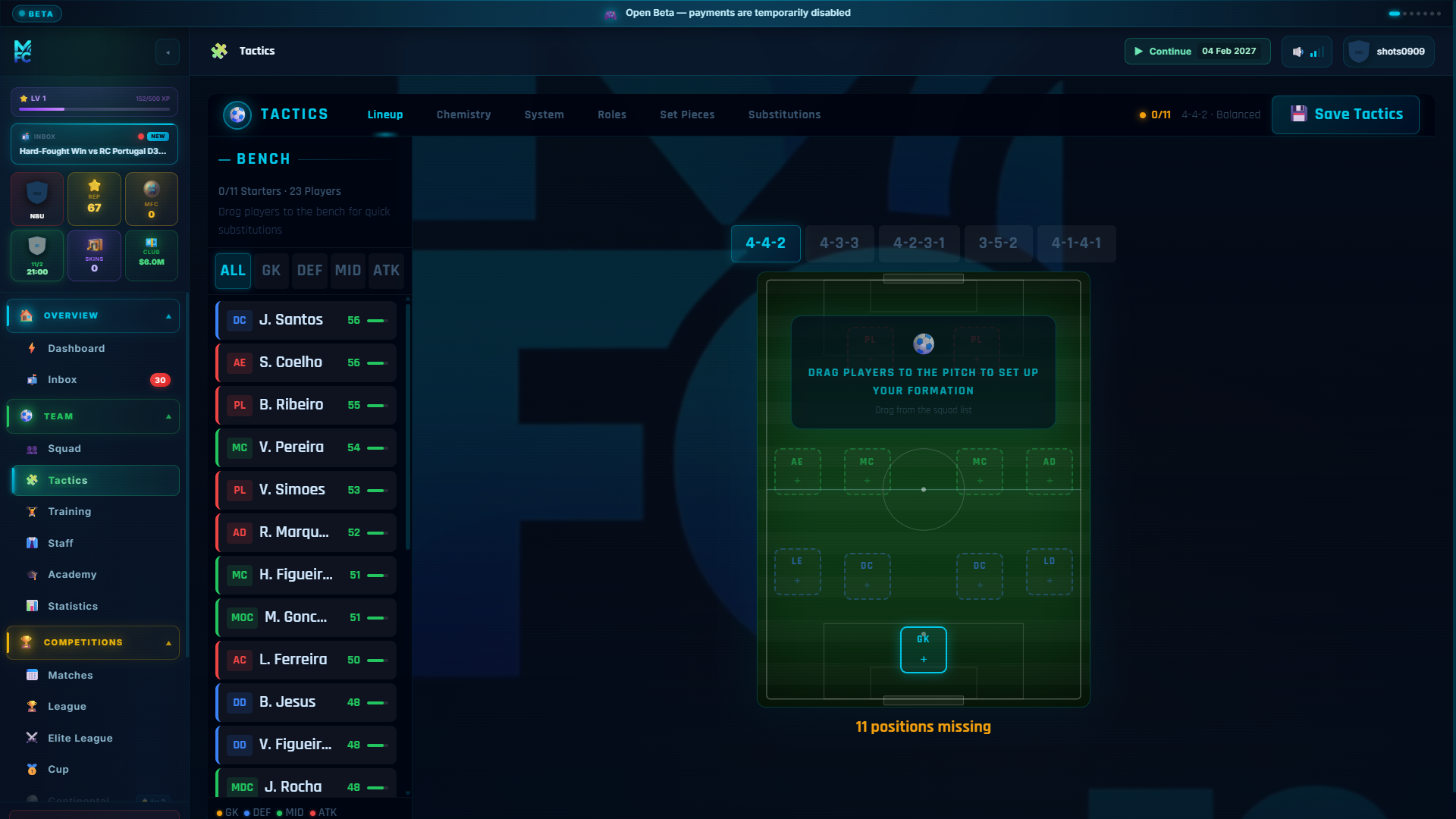
Seven screens hold everything about the people you manage: the squad list, individual player profiles, the tactics board, the weekly training plan, squad morale, the injury list and the season stats. This is where most of your time in the game will be spent once the season is running.
🏆 Competitions →
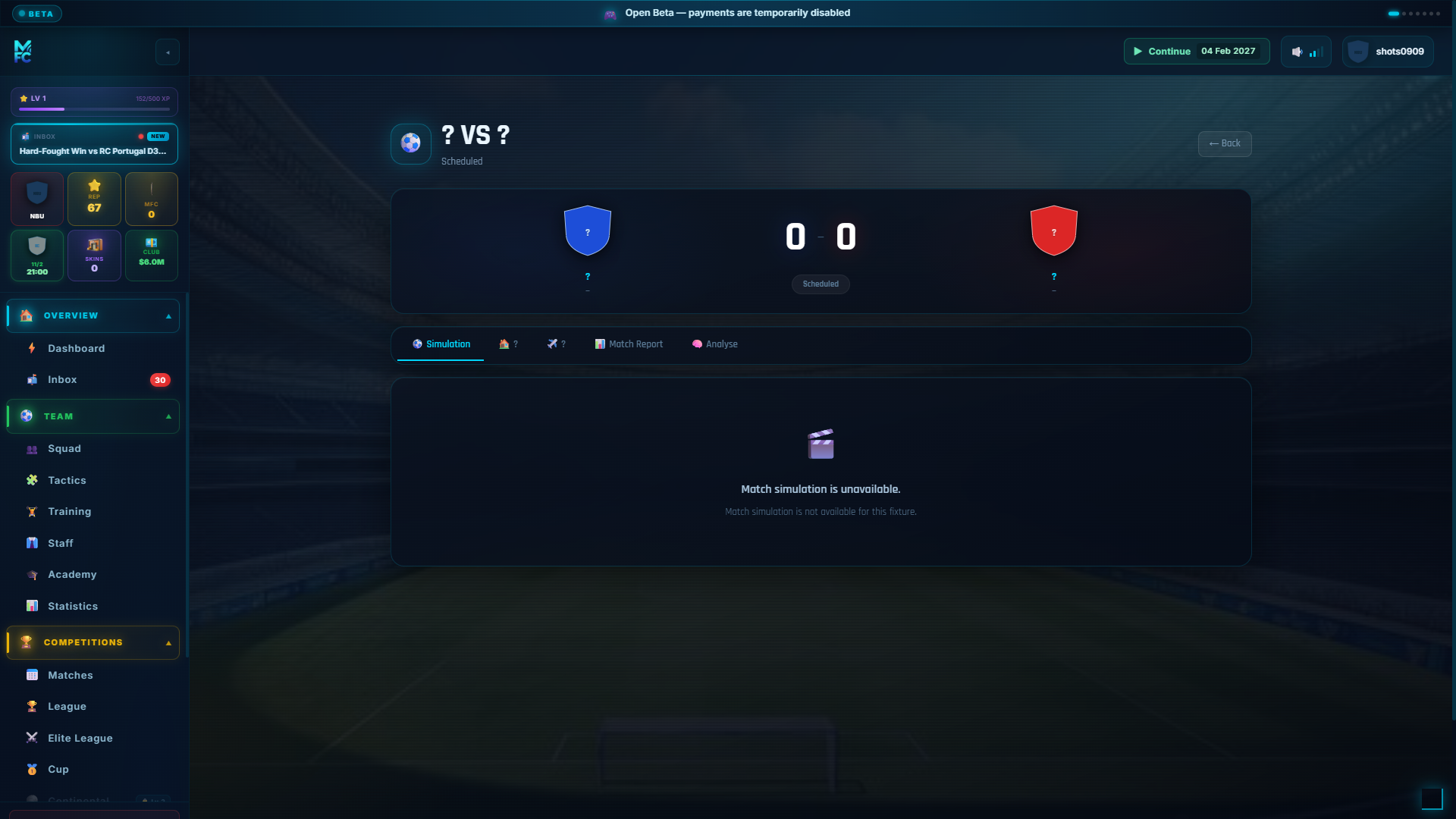
Nine screens cover the football itself: the fixture calendar, the page around each match, the match replay, the full-time report, your complete match history, the league table with its promotion and relegation zones, cup brackets, continental nights and the season's awards.
🏟️ Club →
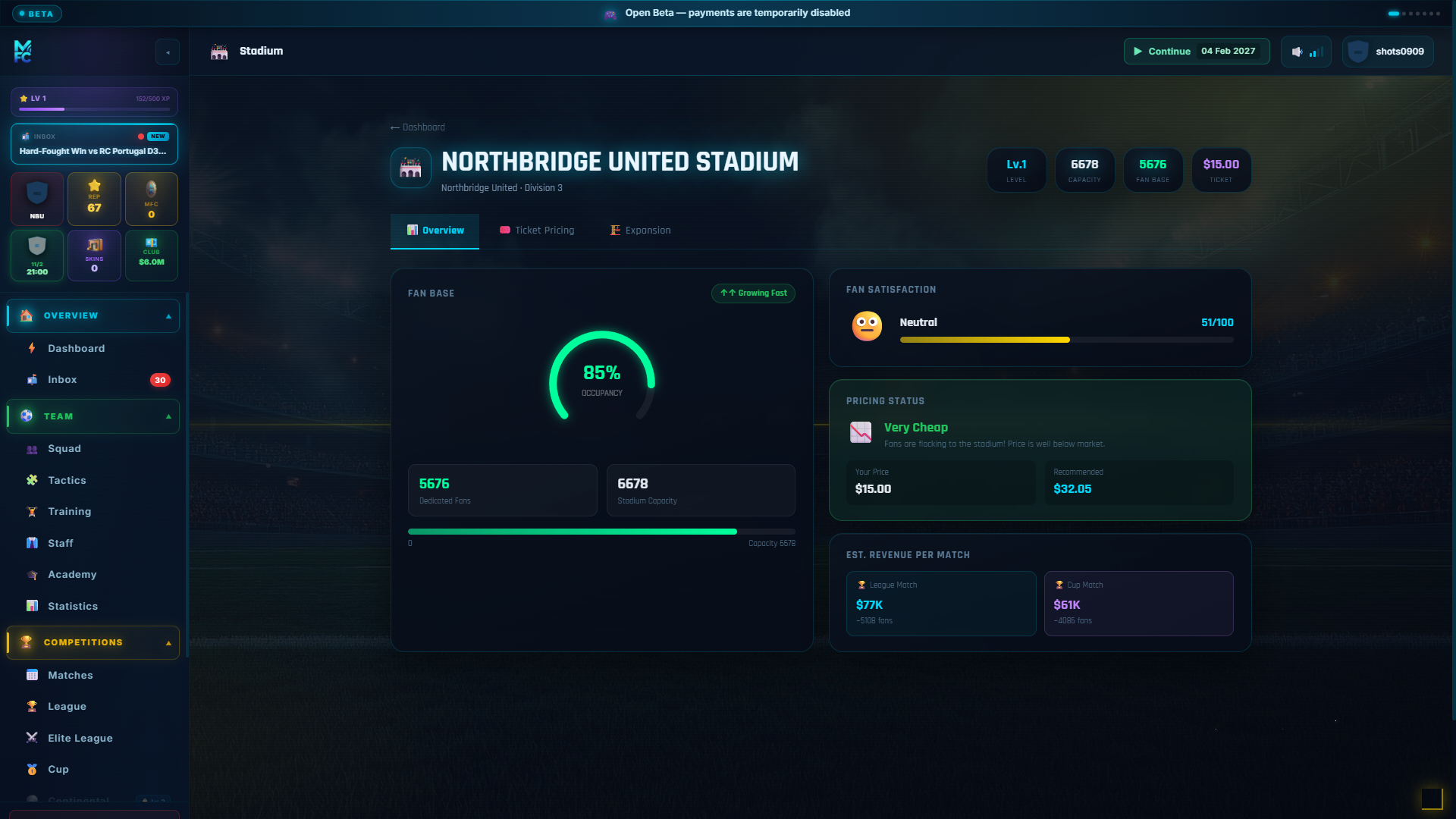
Eight screens run the institution around the team: the club page and its identity editor, the stadium with its ticket-pricing decisions, sponsor deals, the board and its confidence meter, the balance sheet, the youth academy and the staff who multiply the value of everything else.
💼 Market →
Two screens handle the business: the transfer market with its bid-and-counter-offer flow, and scouting reports that narrow the range on a player’s potential.
🎙️ Manager →
Four screens cover you, off the pitch: your manager profile and career record, the inbox where every message the world sends you lands, the press conferences that shape public opinion, and team dynamics — who leads the dressing room, who follows, and who is quietly unhappy.
🌐 Online & Friends →
Three screens show the two other ways to play the club you built in your career: the Online league, where every manager's club meets in one pyramid with a live matchday each evening, and Friends, a quick session with your mates that goes from lobby to trophy in under thirty minutes.
Together they cover every page a manager touches in a season, from the first log-in to the trophy cabinet — and every one of them is in the build you can play today.
Three screens that set the tone
Dashboard
Your whole club at a glance — fixtures, inbox, board and time-skip in one place.
Explore the group →Matchday centre
Score, timeline, line-ups and the full report around any single match.
Explore the group →Real captures, not marketing art
One note on what you are looking at. Everything on this page is a capture from a real save — not a render, not a staged mock-up; only the club and manager names are swapped for demo ones, for privacy. The game in these images is the game you get: the same layout, the same information density, the same screens. We would rather show you the real thing and let it speak for itself than dress it up and have your first log-in feel like a disappointment. The counts on this page are real too: 36 screenshots acrossseven journeys, all taken at the standard 1920×1080 desktop resolution.
What the tour deliberately does not do is teach you the rules. It shows what each screen looks like and what it is for; the systems underneath — how the match engine reads your tactics, how the board sets its objectives, how a transfer is priced — are documented in the Wiki, and the group pages link into the articles for every screen they show. Read the tour to know where things are. Read the Wiki to know how they work. Then create a save and find your own way through a world nobody else has.
Seeing is one thing. Managing is better.
Every screenshot on this page is a real moment from a real save. Create yours, start in division 10, and climb until these screens show your name at the top.